
 Healthcare SEO
  PPC & Google Ads
  Website Design
  Content Marketing
 Reputation Management
 A Practice Owner's Checklist for a HIPAA-Compliant Website
A practical guide for medical practice owners on building a HIPAA-compliant website, covering secure hosting, forms, patient portals, vendor BAAs, access controls, analytics, and ongoing security requirements.

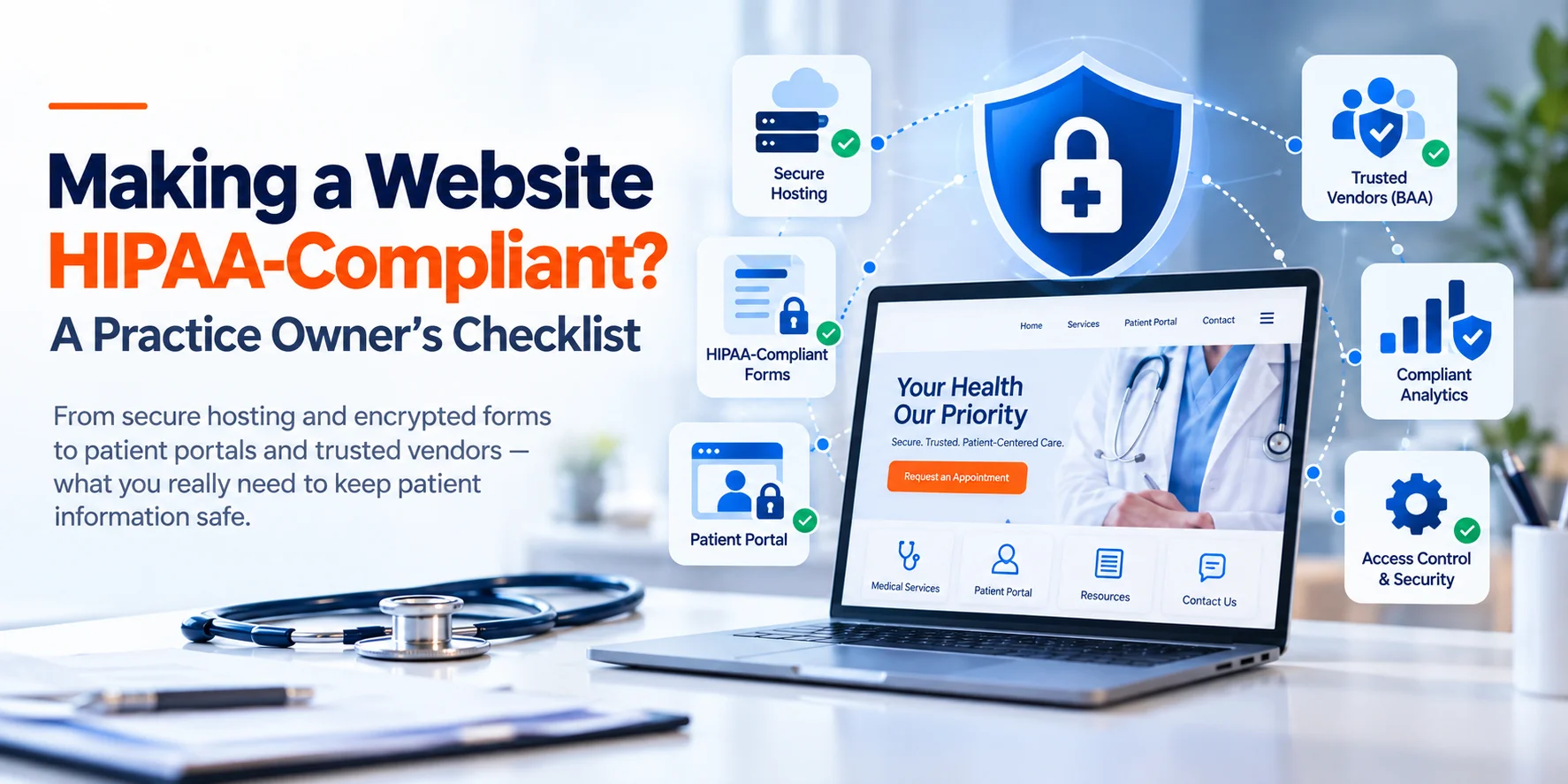
A HIPAA-compliant website requires much more than an SSL certificate. Secure hosting, encrypted forms, protected patient portals, signed BAAs, access controls, staff training, and properly configured tracking technologies all play a role in protecting patient information. Pasted markdown
A surprising number of practice owners assume that an SSL certificate, the padlock icon in the browser bar, is what makes a website HIPAA-compliant. It’s necessary, but it’s nowhere close to the whole picture. Real compliance touches your hosting, your forms, your patient portal, every third-party tool connected to your site, and increasingly, your analytics setup.
This guide walks through what actually makes a website HIPAA-compliant, including the one area- tracking technologies- where the regulatory picture has shifted significantly in the past two years, and most guides are working from outdated information.
Why This Matters for Your Website Specifically
HIPAA sets national standards for protecting patient health information, and most practice owners think of it in terms of medical records and in-office privacy practices. But the same standards apply the moment your website collects, transmits, or stores anything that qualifies as Protected Health Information (PHI).
What this means for HIPAA-compliant
Why is Secure, Encrypted Hosting Critical?
Compliant hosting is the foundation everything else sits on. Your host needs proper encryption, both in transit and at rest, along with the administrative and physical safeguards HIPAA’s Security Rule requires.
Many popular hosting providers aren’t HIPAA-compliant by default, even when they offer SSL. Genuine compliant hosting requires a signed Business Associate Agreement (BAA) between your practice and the host. Without one, even a technically secure host doesn’t satisfy HIPAA, the legal accountability structure simply isn’t there. Before choosing or continuing with a host, confirm in writing that they’ll sign a BAA and that their infrastructure includes encrypted storage, regular security audits, and a documented incident response process.
What are HIPAA-Compliant Web Forms?
A properly built HIPAA-compliant form needs end-to-end encryption in transit, secure server-side storage rather than routing through ordinary email, and access limited to authorized staff. Any third-party form service you use needs to be willing to sign a BAA, since it’s handling PHI on your behalf. If your current intake or contact forms ask patients to describe symptoms, upload documents, or share insurance details, you’ll likely need to replace them with a purpose-built, compliant solution. We cover the forms side in more detail, alongside other website essentials that build patient trust, in our guide to medical website design.
Secure Patient Intake and Portal Systems
Does an SSL Certificate Make My Website HIPAA Compliant?
Key takeaways
- SSL is necessary, but it does not make a website HIPAA compliant.
- Use hosting that provides a signed BAA and encrypted storage.
- Replace generic contact forms with HIPAA-compliant intake forms.
- Secure patient portals with MFA, session timeouts, encryption, and audit logs.
- Confirm BAAs with every vendor that handles PHI.
- Use role-based access controls for staff.
- Audit analytics and advertising pixels, especially on authenticated pages.
- Maintain written policies for handling website-related PHI.
- Conduct regular security risk assessments and staff training.
Business Associate Agreements (BAA) With Every Vendor

Access Controls and Staff Training
Tracking Technologies and Analytics: The Part Most Guides Get Wrong

This is where a lot of website HIPAA content is either vague or based on outdated information, and it’s worth getting right, because the regulatory picture has genuinely shifted in the last two years.
On December 1, 2022, OCR issued a bulletin addressing tools like Meta Pixel and Google Analytics on healthcare websites, taking a notably broad position: that identifiable information collected through a regulated entity’s website generally counted as PHI, even for a visitor with no existing patient relationship, including, in some readings, IP addresses collected on ordinary public pages. That triggered real pushback. The American Hospital Association sued HHS in 2023, arguing the guidance overreached, and OCR issued revised guidance on March 18, 2024. In June 2024, a federal court in the Northern District of Texas went further, vacating the portion of the guidance that treated IP address collection on unauthenticated public pages as PHI regardless of why the visitor was actually there.
Practical steps: inventory every tracking pixel and analytics tool on your site, note which pages are authenticated versus public, avoid placing marketing pixels on portal or authenticated pages entirely, and confirm with each vendor whether they’ll sign a BAA for any tool that does sit on a page handling PHI.
Regular Security Audits and Risk Assessments
A Practical Checklist (check with your legal advisors for specifics)
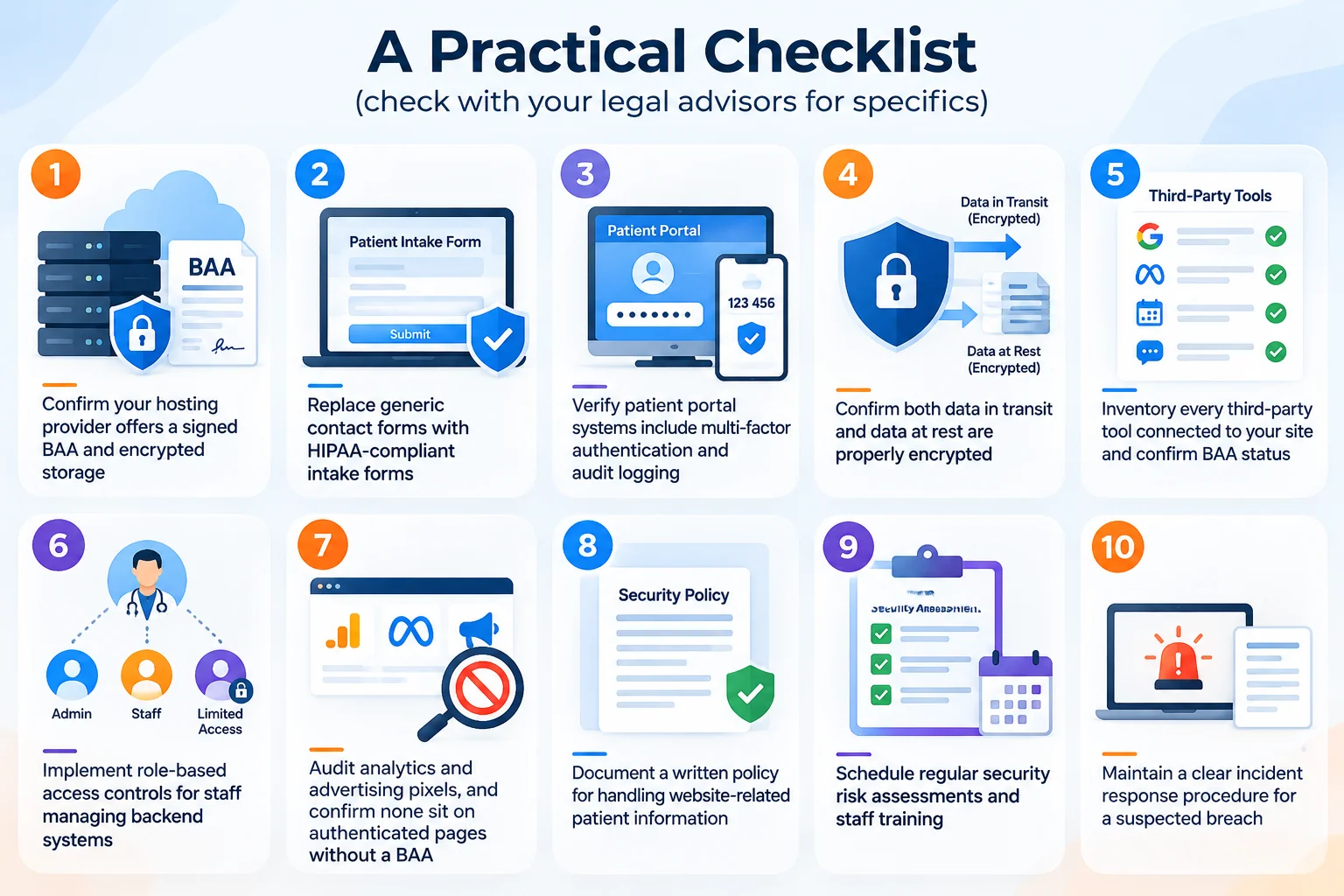
- Confirm your hosting provider offers a signed BAA and encrypted storage
- Replace generic contact forms with HIPAA-compliant intake forms
- Verify patient portal systems include multi-factor authentication and audit logging
- Confirm both data in transit and data at rest are properly encrypted
- Inventory every third-party tool connected to your site and confirm BAA status
- Implement role-based access controls for staff managing backend systems
- Audit analytics and advertising pixels, and confirm none sit on authenticated pages without a BAA
- Document a written policy for handling website-related patient information
- Schedule regular security risk assessments and staff training
- Maintain a clear incident response procedure for a suspected breach
Common Mistakes Practices Make
- Assuming a professional-looking website is automatically a secure one; design and backend compliance are entirely separate concerns
- Using popular but non-compliant form builders or chat widgets because they’re easy to install, without checking BAA availability
- Skipping documentation: HIPAA compliance isn’t just having the right safeguards; it’s being able to demonstrate them if audited
- Treating compliance as a one-time launch task rather than an ongoing process that needs review as tools and guidance evolve
- Citing outdated 2022-era tracking guidance without accounting for the 2024 revisions and court ruling
Where to Start
A HIPAA-compliant website isn’t optional in 2026, and it goes well past a basic SSL certificate: secure hosting with a signed BAA, properly encrypted intake systems, a carefully audited analytics setup, and clear internal policies for access and training. Treat this as an ongoing responsibility rather than a one-time technical checkbox, and you protect both your patients and your practice.
If you’re looking for guidance on the marketing side of HIPAA compliance, PHI in advertising, patient testimonials, and channel strategy, see our guide to HIPAA-compliant marketing. For the fuller picture of what else your website needs beyond compliance, see our guide to medical website design.
Want a clear picture of where your website actually stands on HIPAA compliance? Our free SEO audit includes a review of hosting, forms, and tracking technology configuration alongside the technical fundamentals. No cost, no obligation. Request your free audit.
Frequently asked questions
Q1: Does having an SSL certificate make my website HIPAA compliant?
Q2: Do I need a BAA with every tool connected to my website?
Q3: Are generic contact form plugins HIPAA compliant?
Q4: Can website analytics tools create HIPAA compliance issues?
Yes, though the risk is more specific than a blanket “don’t use analytics” rule. Per HHS’s guidance and the 2024 court ruling narrowing it, risk concentrates on authenticated pages and interactions that clearly tie an identifiable person to health information, not on having ordinary analytics on your public pages.