Google Ads for Doctors – Step-by-Step Guide to More Patient Leads
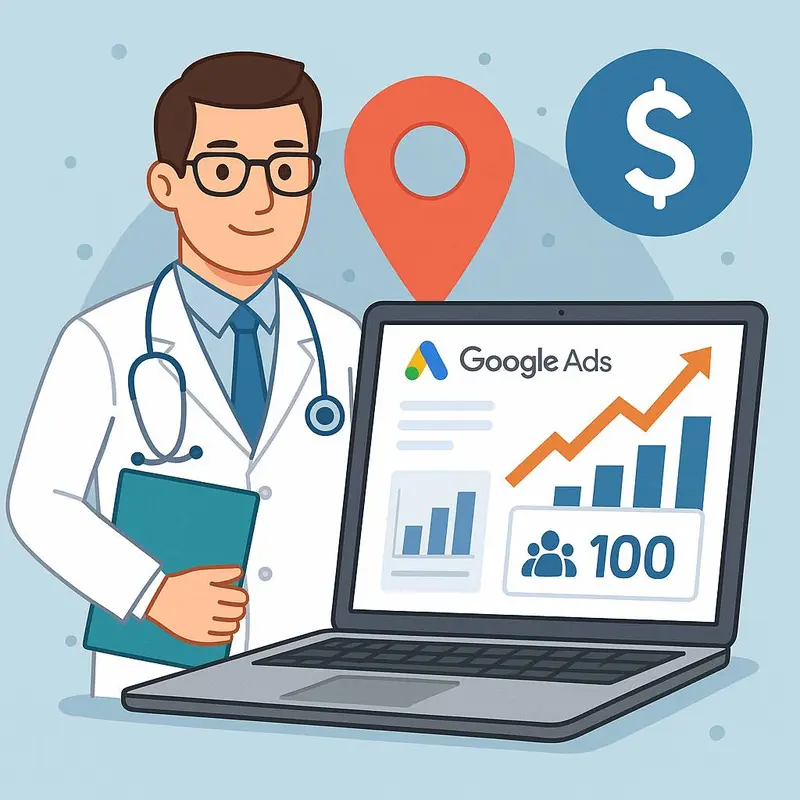
As a doctor, your top priority is providing excellent care for your patients—but running a successful medical practice also means keeping a steady flow of new patients. One of the fastest and most effective ways to do that is through Google Ads.
With over 5 billion searches on Google every day, your potential patients are already searching for terms like “dentist near me” or “best cardiologist in [city]”. With the right Google Ads strategy, your clinic can appear at the top of those results—driving patient calls and bookings instantly.
Why Google Ads Work for Doctors
- High Intent: Patients searching on Google are ready to book an appointment.
- Local Targeting: Ads can be shown to people within a few miles of your clinic.
- Budget Control: You set how much you want to spend per day or per month.
- Measurable Results: Every click, call, and booking can be tracked.
Step-by-Step Guide to Running Google Ads for Doctors
Step 1: Define Your Goals
Decide what you want from your campaign—more calls, appointment bookings, or form inquiries. For example, a dental clinic may target “emergency dentist calls” while a dermatology clinic may focus on “skin treatment consultations.”
Step 2: Choose the Right Keywords
Keywords are what patients type into Google. Start with terms like:
- “Dentist near me”
- “Pediatric doctor in [city]”
- “Urgent care open now”
Pro Tip: Use keyword research tools to find search volumes and competition levels before finalizing your list.
Step 3: Set Up Your Campaign
In Google Ads, choose the campaign type “Search Network” and set your targeting to your clinic’s city or nearby radius. This ensures only patients near you see your ads.
Step 4: Write Compelling Ad Copy
Good ad copy speaks directly to patient needs. Example:
“Looking for a Trusted Dentist in [City]?
Same-Day Appointments Available – Book Now!”
Include a clear call to action (CTA) like “Call Now” or “Book Online.”
Step 5: Optimize Your Landing Page
Your ads should lead patients to a dedicated landing page, not just your homepage. The landing page should include:
- Clear service details
- Phone number & booking button at the top
- Patient testimonials and trust signals
- Fast load speed and mobile optimization
Learn more about building optimized websites for medical practices.
Step 6: Track Conversions
Use Google Ads Conversion Tracking and Google Analytics to measure calls, form submissions, and appointment bookings. You can also integrate with a CRM dashboard to track patient leads in real time.
Step 7: Monitor and Optimize
Review your campaign weekly. Pause low-performing keywords, increase bids on high-converting ones, and test different ad copies. Over time, this improves ROI and reduces wasted spend.
Real Example
One of our clients, a multi-location clinic, invested $1,500 in Google Ads targeting “urgent care near me.” Within 30 days, they received 120 leads, 40 confirmed appointments, and generated over $12,000 in new revenue. That’s an ROI of over 8x.
Final Thoughts
Google Ads is one of the fastest ways for doctors and medical practices to attract new patients. With the right targeting, ad copy, and landing page, you can see results within days.
Want a custom Google Ads strategy designed for your practice? Contact Sinopia US today and start attracting more patients instantly.