
 Healthcare SEO
  PPC & Google Ads
  Website Design
  Content Marketing
 Reputation Management
 What to Know About HIPAA Compliance for Patient Intake Forms

What Makes a Form HIPAA Compliant?
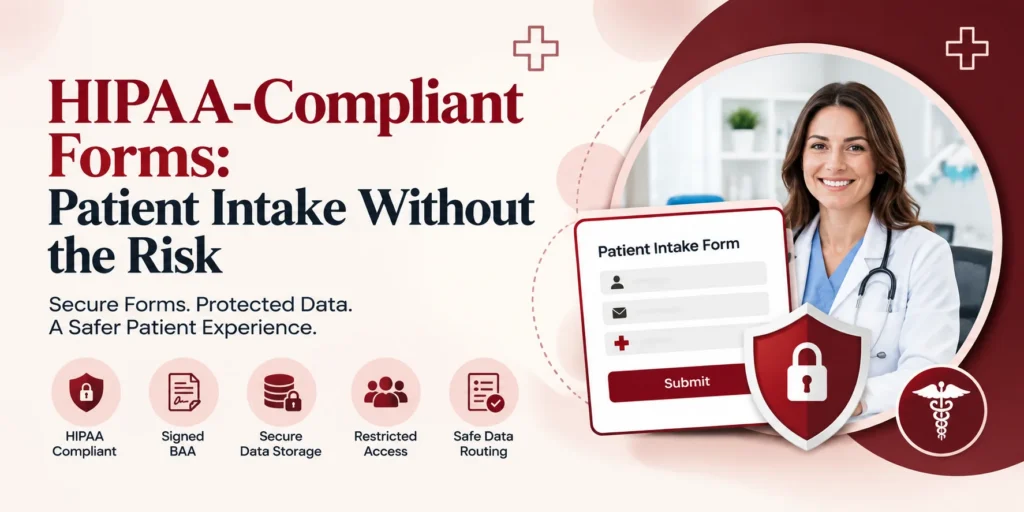
The technical baseline is consistent regardless of which vendor or platform you use: encryption for data in transit and at rest, a signed Business Associate Agreement (BAA) with whoever handles the form, access limited to authorized staff, and secure server-side storage rather than routing submissions through standard, unencrypted email. Sinopia covers this foundation in full in our guide to what makes a website HIPAA compliant. A generic contact-form plugin bundled into most website builders typically meets none of this the moment it starts collecting anything connected to a patient’s health.
What to Look for When Evaluating a Form Vendor?
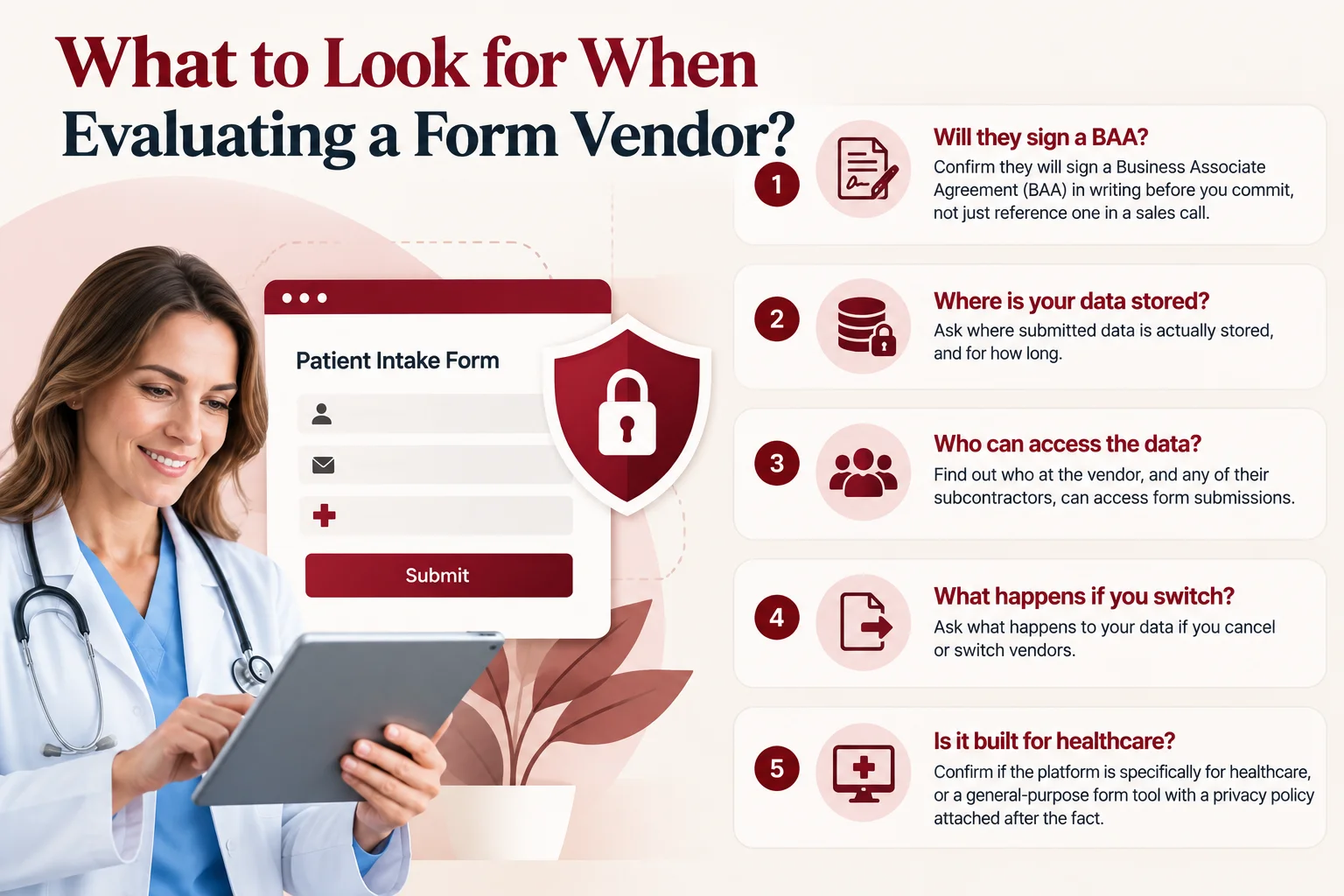
- Will they sign a BAA in writing before you commit to anything, not just reference one vaguely in a sales call
- Where is submitted data actually stored, and for how long
- Who at the vendor, and any of their own subcontractors, can access submissions
- What happens to your data if you cancel or switch vendors
- Is the platform built specifically for healthcare, or a general-purpose form tool with a privacy policy attached after the fact
Why Where Your Lead Data Lives Matters as Much as the Form Itself
The conduit exception is narrower than most people assume. HIPAA exempts certain entities from needing a BAA, but only genuine conduits: couriers, postal services, internet service providers, and companies that merely transport data without meaningful access to it. Per HHS’s own guidance on cloud computing and business associates, an entity that creates, receives, or maintains PHI, even without actively viewing it, does not qualify as a conduit if it has persistent access through storage. A marketing agency or a lead-management tool that stores or processes form submissions doesn’t fit the narrow exception, even if nobody on the team ever manually opens a single lead.
The actual test is function-based, not industry-based. Under 45 CFR § 160.103, a business associate is any person or entity that creates, receives, maintains, or transmits protected health information on behalf of a covered entity. It doesn’t matter whether that entity calls itself a marketing agency, a CRM platform, or a form builder. If website form submissions connected to a patient’s health pass through it and get stored there, it’s a business associate, full stop, and needs a signed BAA to legally handle that data at all.
The stakes here are real and documented. In 2023, the FTC fined GoodRx $1.5 million for sharing identifiable health data, prescriptions, conditions, personal identifiers, with advertising platforms including Facebook and Google, the first enforcement action under the FTC’s Health Breach Notification Rule. A month later, the FTC fined BetterHelp $7.8 million for sharing customers’ mental health data with Facebook, Snapchat, and other advertising platforms, despite telling customers directly that it wouldn’t. Neither company was a traditional HIPAA-covered entity in the classic hospital-or-clinic sense, which is exactly the point: the FTC pursued both under its own consumer-protection authority, showing that “we’re not technically a covered entity” is not the shield some marketing operations assume it is.
The lower-risk architecture is straightforward: keep patient data out of the marketing chain entirely wherever possible. Route form submissions and lead data directly to the practice or the provider, rather than storing or retaining them on a marketing agency’s own systems. Where any third party genuinely needs to touch the data, insist on a documented BAA, not a verbal assurance. Fewer hands on raw patient data means fewer business associate relationships to manage and less exposure if any single link in that chain fails.
With AI in the Mix, Does This Matter Even More?
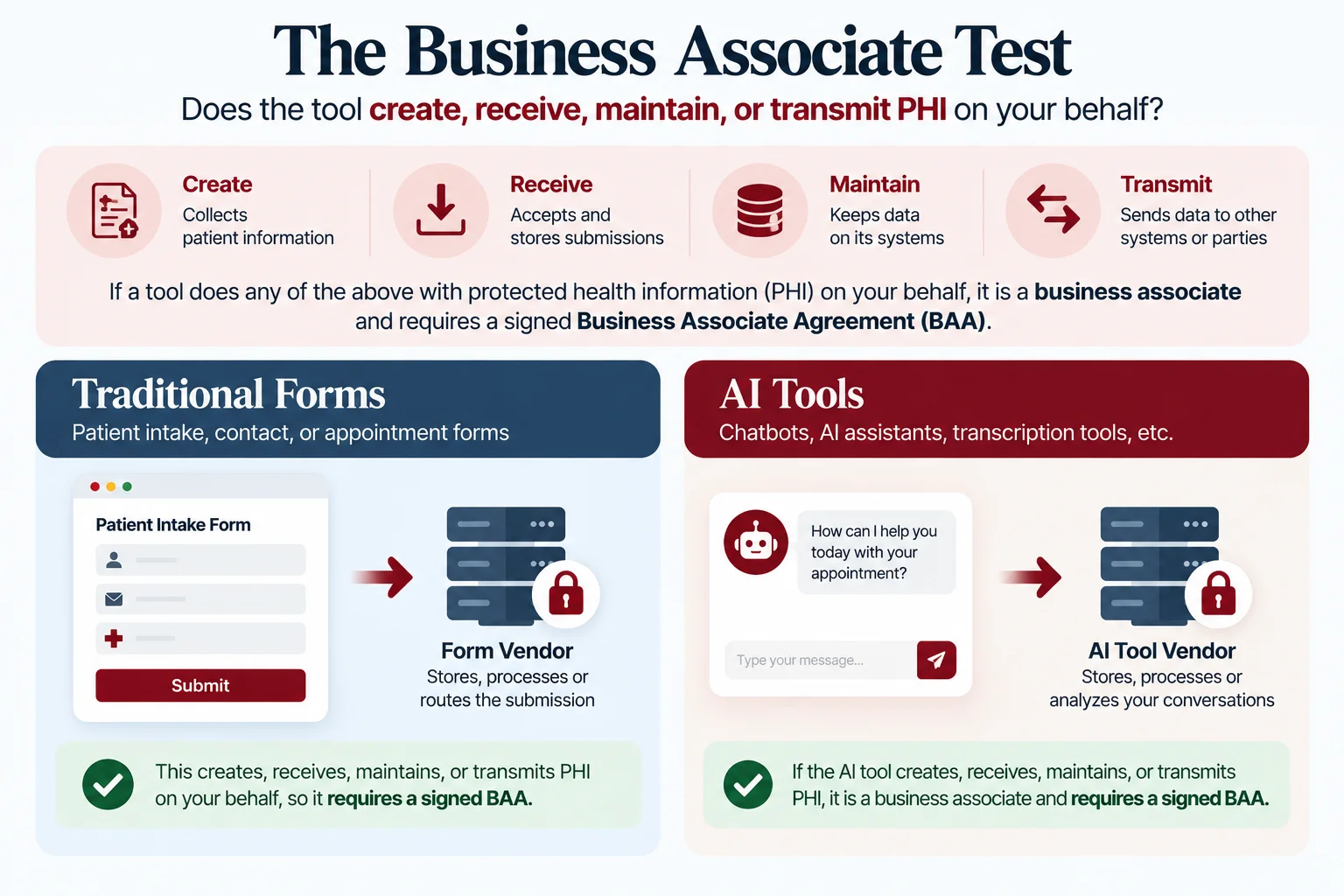
AI-powered intake chatbots, automated lead routing, and AI-assisted CRM tools are increasingly common in practice marketing, and they’re genuinely useful when built correctly, faster triage, quicker responses to patient inquiries, less manual work. But AI doesn’t change the underlying compliance math, and this is worth stating plainly because it’s easy to assume otherwise.
HHS’s own Business Associates guidance page names the example directly: a third-party AI chatbot on a provider’s patient portal handling symptom assessment, medical reminders, or appointment scheduling is a business associate, exactly like any other vendor touching PHI. There is no AI exemption. An automation tool that’s efficient and well-designed still needs the same BAA, the same data-handling scrutiny, as a plain old form.
What to Collect Online, and What to Leave for In-Office Intake?
Key takeaways
- Require a signed BAA from every vendor handling PHI.
- Verify encryption and secure server-side data storage.
- Keep patient data out of marketing systems whenever possible.
- Treat AI chatbots and automation tools like any other PHI-handling vendor.
- Collect only essential information through online forms.
- Review CRM, analytics, pixels, and other tools connected to intake forms.
- Route patient leads directly to the practice or secure provider system.
- Recheck compliance whenever vendors or website tools change.
A Practical Checklist
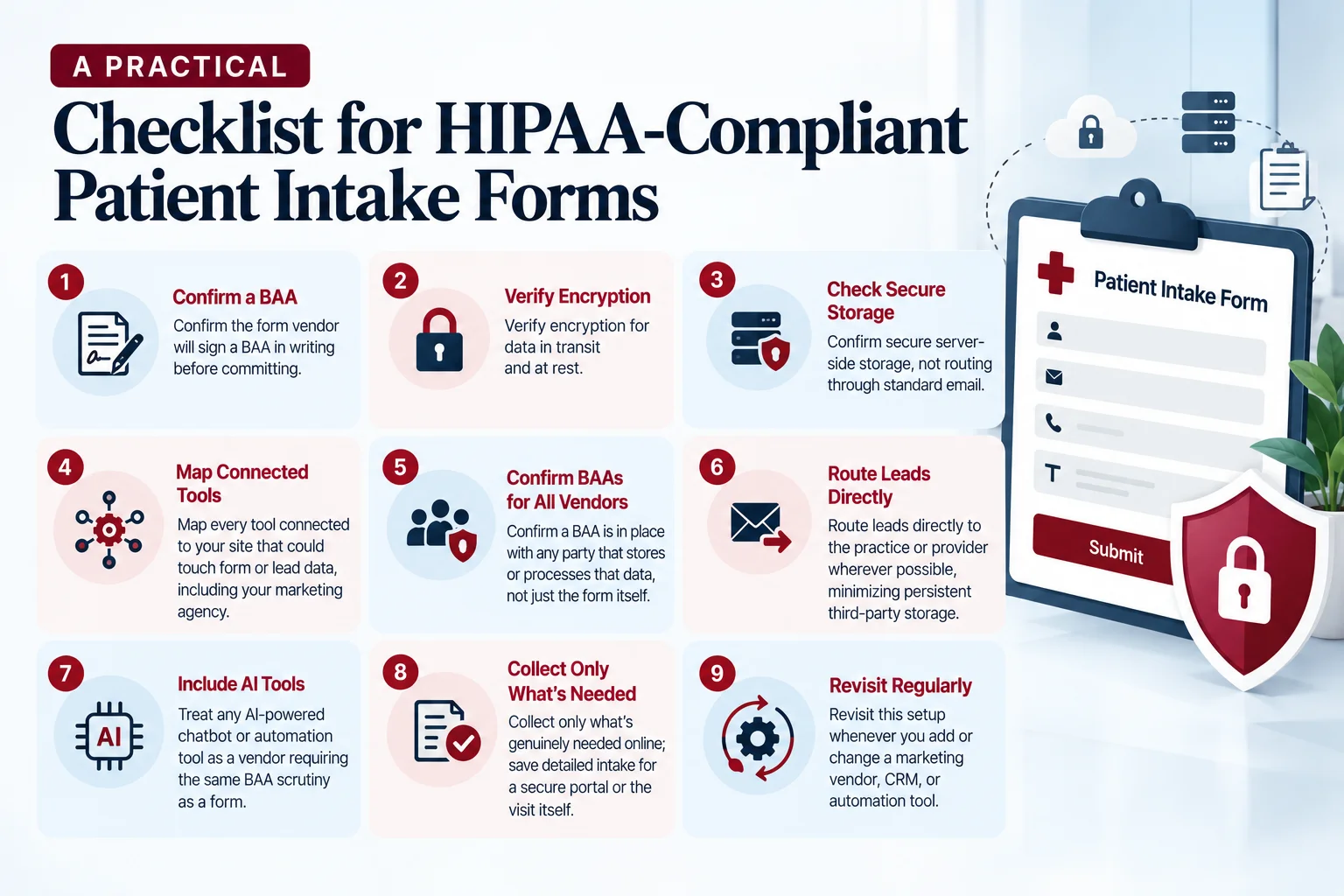
- Confirm the form vendor will sign a BAA in writing before committing
- Verify encryption for data in transit and at rest
- Confirm secure server-side storage, not routing through standard email
- Map every tool connected to your site that could touch form or lead data, including your marketing agency
- Confirm a BAA is in place with any party that stores or processes that data, not just the form itself
- Route leads directly to the practice or provider wherever possible, minimizing persistent third-party storage
- Treat any AI-powered chatbot or automation tool as a vendor requiring the same BAA scrutiny as a form
- Collect only what’s genuinely needed online; save detailed intake for a secure portal or the visit itself
- Revisit this setup whenever you add or change a marketing vendor, CRM, or automation tool
How Do You Get Started?
See exactly how your current setup handles patient data, form to finish.Sinopia’s free SEO audit reviews your intake forms, vendor BAAs, and data-routing architecture together. No cost, no obligation. Request your free audit.
Frequently asked questions
Q1: Does a BAA really matter if the form vendor says they're "HIPAA compliant"?
Q2: Is my marketing agency a business associate?
Q3: Does using an AI chatbot for intake require a separate BAA?
Q4: What's the safest way to route form leads to my practice?
Direct routing to the practice or provider, with minimal persistent storage anywhere else in the chain, reduces both the number of business associate relationships you need to manage and the potential exposure if any one link fails.